


 Riders Preferred Membership
 Shop by Vehicle
 Track Order
 Contact Us
Check out what we’ve got in stock locally before you ride out. We’ll even stash it aside for you! Follow the steps below to reserve an item online for in-store purchase.
Step 1: Log in to RevZilla.com and choose your store from the MY ACCOUNT menu. That way, you’ll know what’s in stock locally while you shop online.
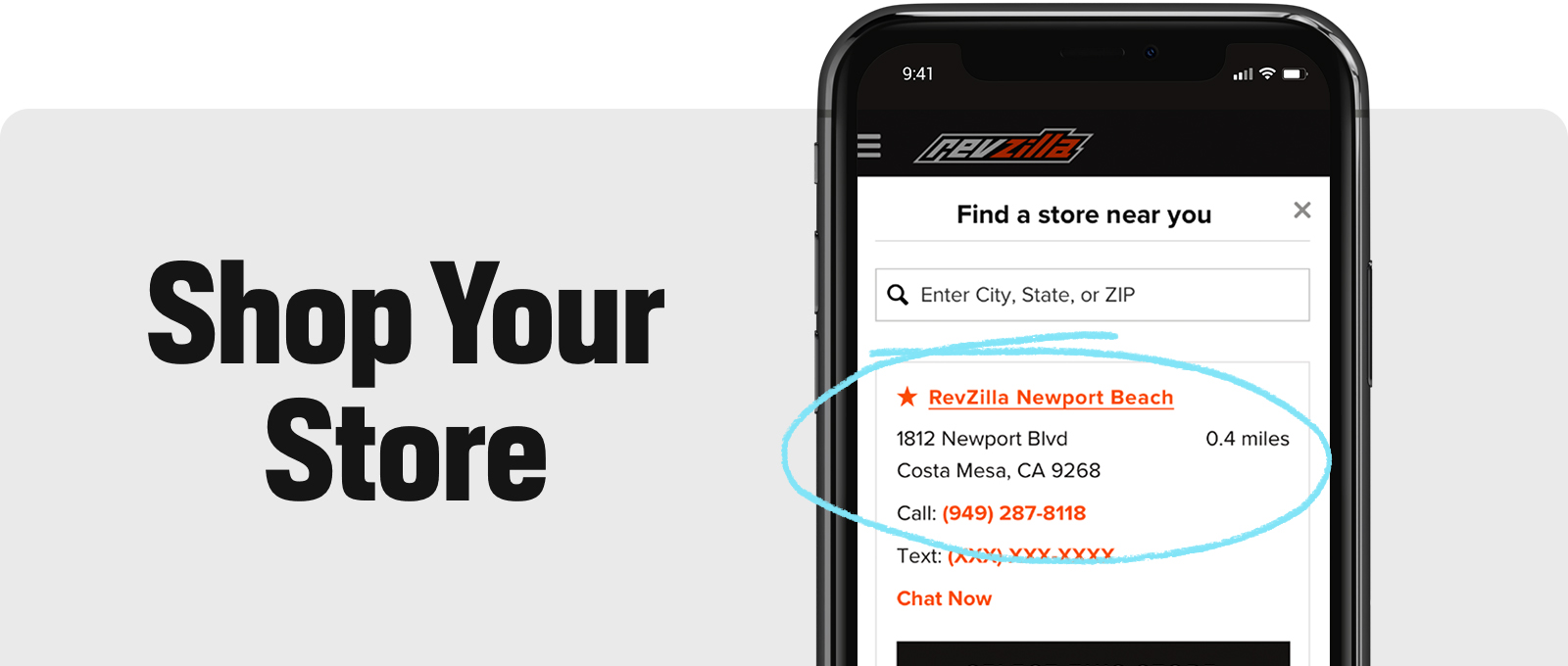
Step 2: Select the size/color of the item you’ve got your eye on, then click the CHECK FOR IN-STORE AVAILABILITY button. Enter your contact info and click RESERVE ITEM. If your size/color isn’t available locally, you can also ship it to the store for free.
Note: DO NOT ADD THE ITEM TO YOUR SHOPPING CART; you won’t have the option to reserve your item from your cart.
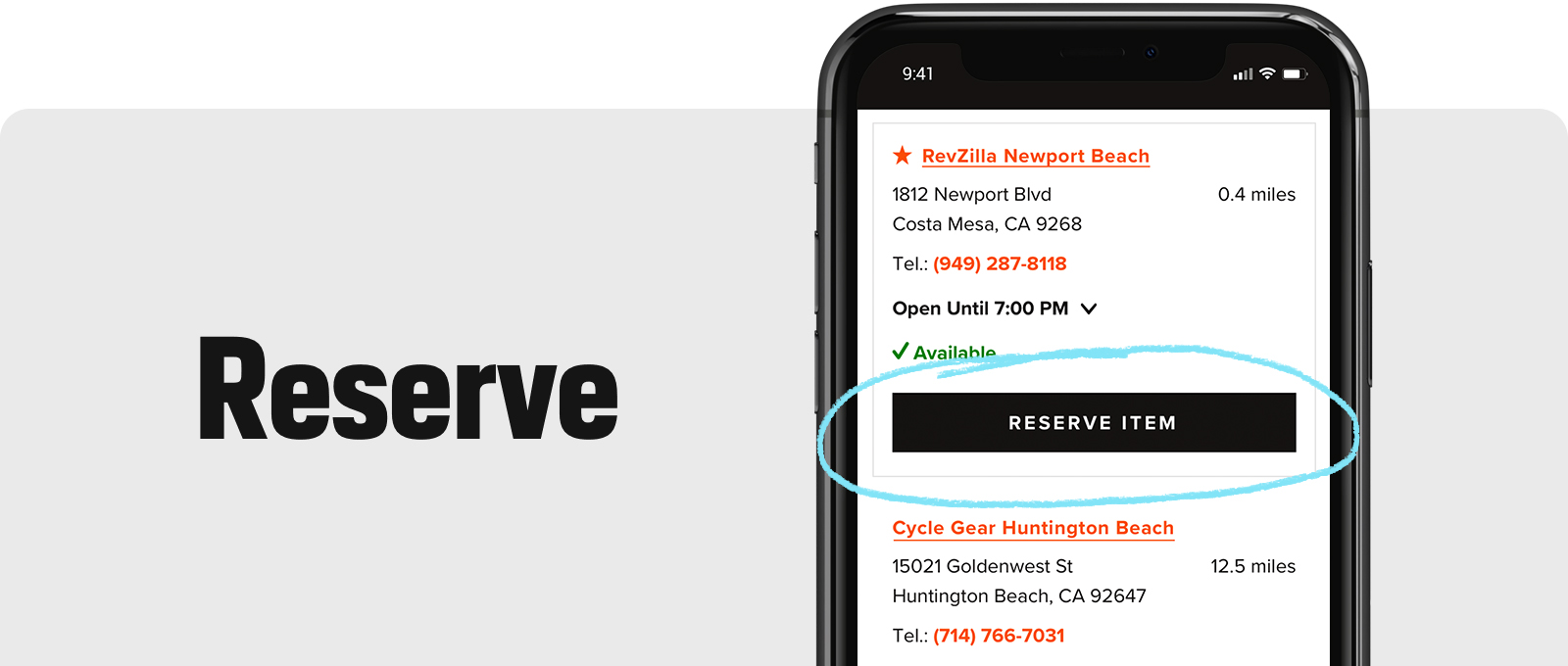
Step 3: You’ll get a confirmation email with your reservation details, then a second email when your item’s ready to pick up. Please wait for this second "Ready for Pickup" email before you come out to the store so we can have everything ready to go and you don’t have to wait.
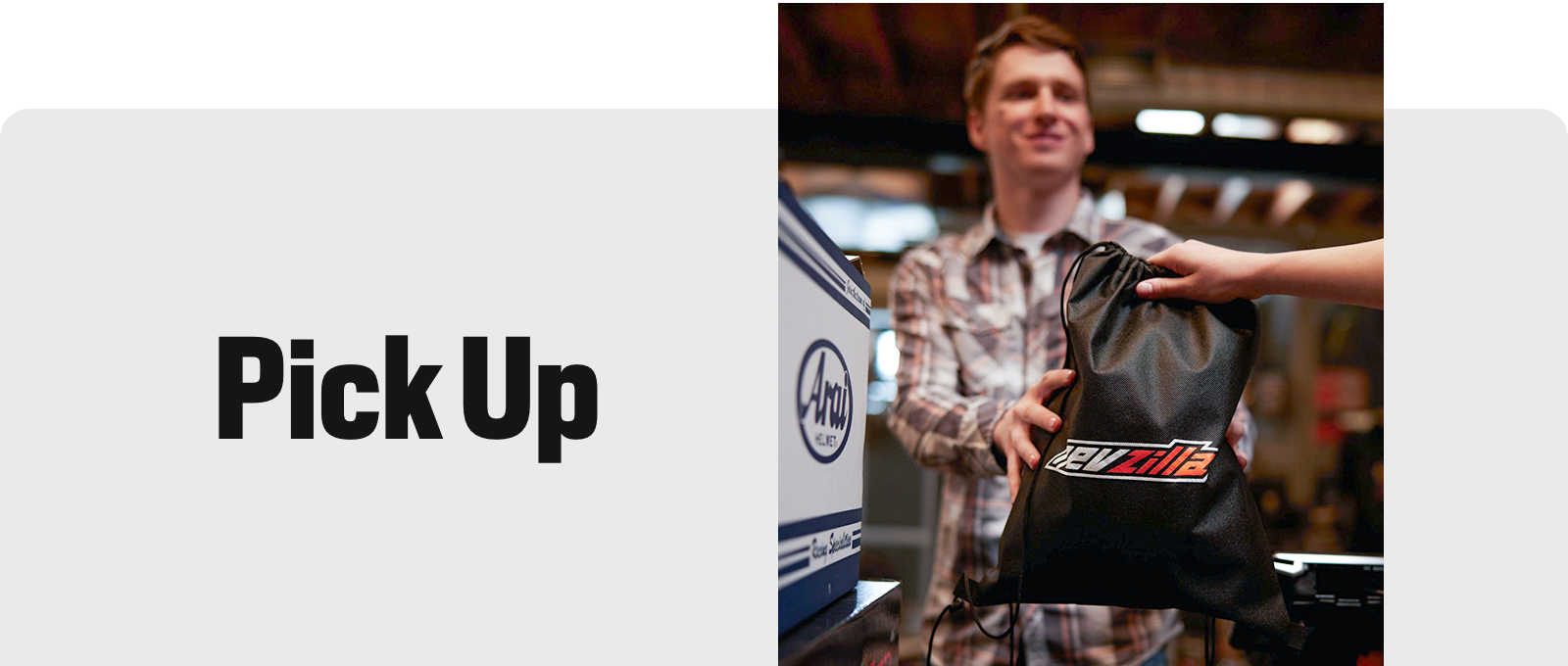
When you get here, just ask us for assistance retrieving the item you reserved and make sure you try it on before you buy! We’ll hold your item for 48 hours after your reservation is placed, then it’s going back into our regular stock. Ya snooze, ya lose.
Note: At this time, we are not able to accept reservations for more than one of the same item (same color, same size) through our online system. If you would like to reserve more than one of the same item, please place one reservation and call the store to inform them of the quantity you’d like. Do not place more than one reservation for the same item online, as the store may flag it as a duplicate.
